How PublicTide works
Your whole show in one place, from the first idea to the version you send out. Your team makes the calls. PublicTide carries the work between them.
One connected workspace
Keep the next person working from the same episode, notes and assets.
Why we built it
Making a show usually means nine tabs. Research in one doc, the rundown in another, the script somewhere else, the recording in a shared drive, the edit on one person's laptop and the approval in a group chat. Every handoff drops something. PublicTide keeps the episode in one place and lets the work travel with it, so your best people spend their time on the show, not on finding things.
— Jeremy
Plan
- ResearchGathered once and kept with the episode it serves.
- RundownArrange the ideas you pick into timed segments, with research beside them.
Record
- ScriptDraft a full script or an outline around the rundown.
- RecordingHosts, guests and notes kept together with the episode.
Edit
- EditTranscripts, chapters and suggested cuts, ready for review.
- ClipsKeep each clip linked to its original episode.
Publish
- ApprovalsEach one bound to the exact version someone saw.
- PublishingPublish to the episode's own page, or download the finished file.
Plan
- Cold open1:30
- WelcomeIntro2:00
- Why the 14 was cutSegment15:00
- Break1:00
- 1:30 gap before With Dev
- With DevInterview · starts at 21:0025:00
- Sign-offOutro1:30
46:00 planned of a 60:00 target
Sample data from Street Level, a fictional show. Start with the idea. Pull in research, lay out a timed rundown and draft the script around it. What you find stays next to the segment it's for, so nobody goes looking for it on record day.
- Connected
- Research, then RundownKeep research beside the segments it informs.
Record
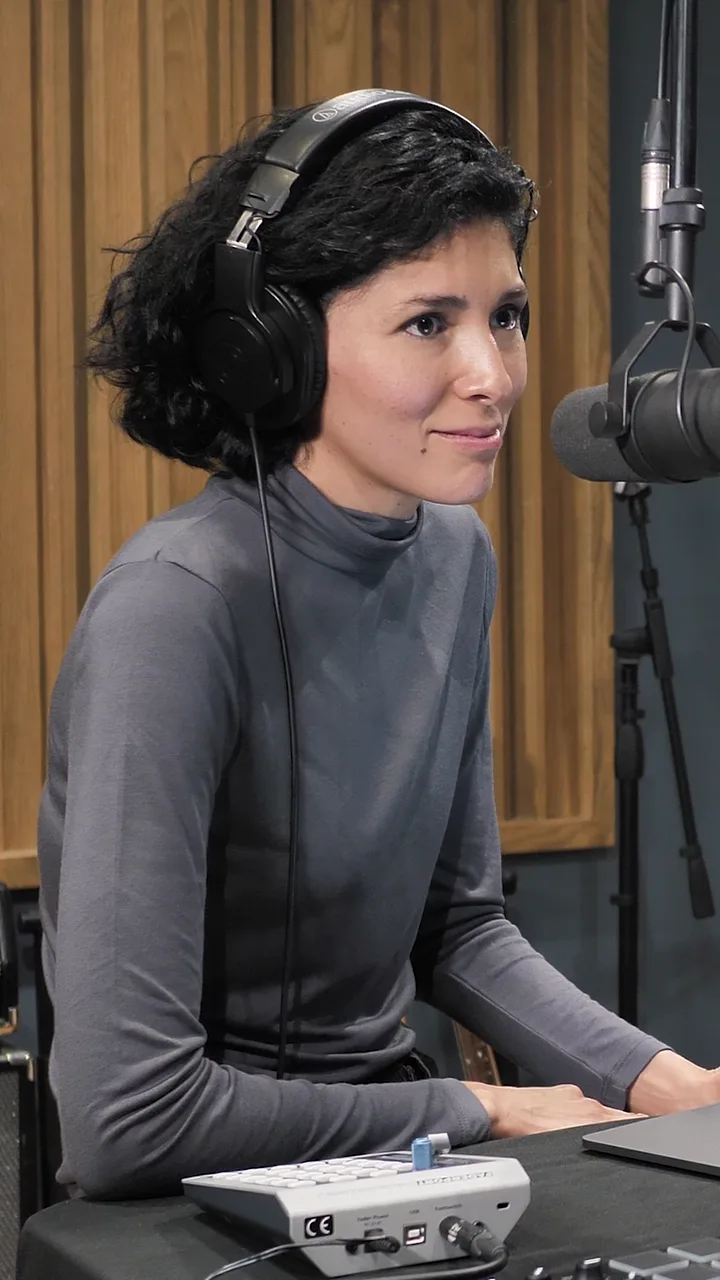
Send your guests a link. They join from a browser, nothing to install. The script runs on the prompter, each segment shows the time it has left, and anyone can drop a mark when a moment's worth keeping. Every person records on their own track, on their own machine, so a bad connection doesn't ruin the take.
- Connected
- Script, then RecordingKeep the script, hosts, guests and session notes with the episode.
Edit
Dev Okafor 0:38
It's a little more than an argument. There is a, sorry, let me start again. There's a sort of routine to it.
Rosa Vantreese 0:44
Walk us through the routine.
Dev Okafor 0:46
The courier waits eleven minutes. The baker honks twice. Then someone from the café comes out with coffee, um, for both of them.
Cut 3 seconds. Undo
Sample data from Street Level, a fictional show. The transcript, chapters and clip ideas are ready when you open the episode. Describe the cut you want, see what comes back and keep what works, or cut by hand. Clips stay linked to the episode they came from.
- Connected
- Edit, then ClipsTrace each clip back to its original episode.
Publish
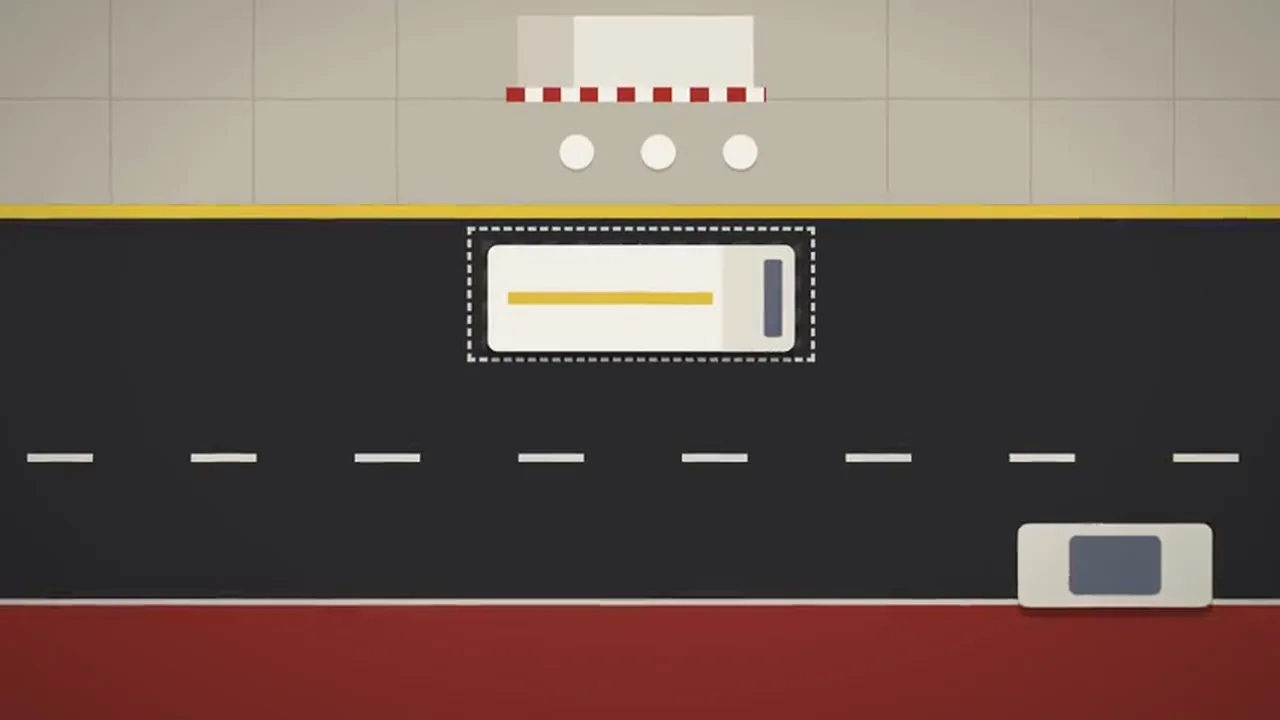
Recorded once
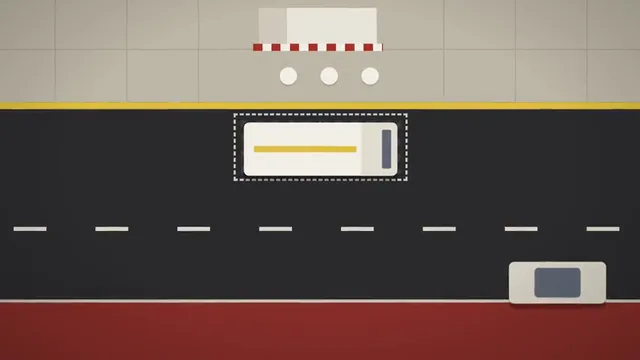 Full video
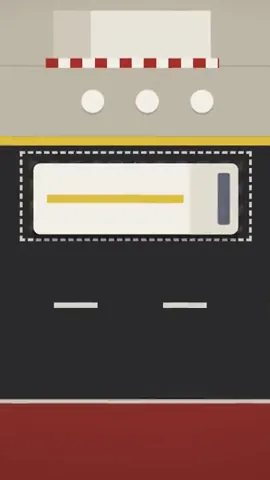 Vertical clip
- Audio episode
- Written recap
Sample data: drawn stills from Street Level, a fictional show. Nothing goes out until someone on your team approves that exact version. Change it and it needs approving again. Publish the episode to its own public page with playback, or download the finished file and upload it wherever your audience is.
- Connected
- Approvals, then PublishingApprove the exact version before anything goes out.
Edit, step by step
Describe the cut you want. Review the suggestions, apply the changes, or edit by hand.
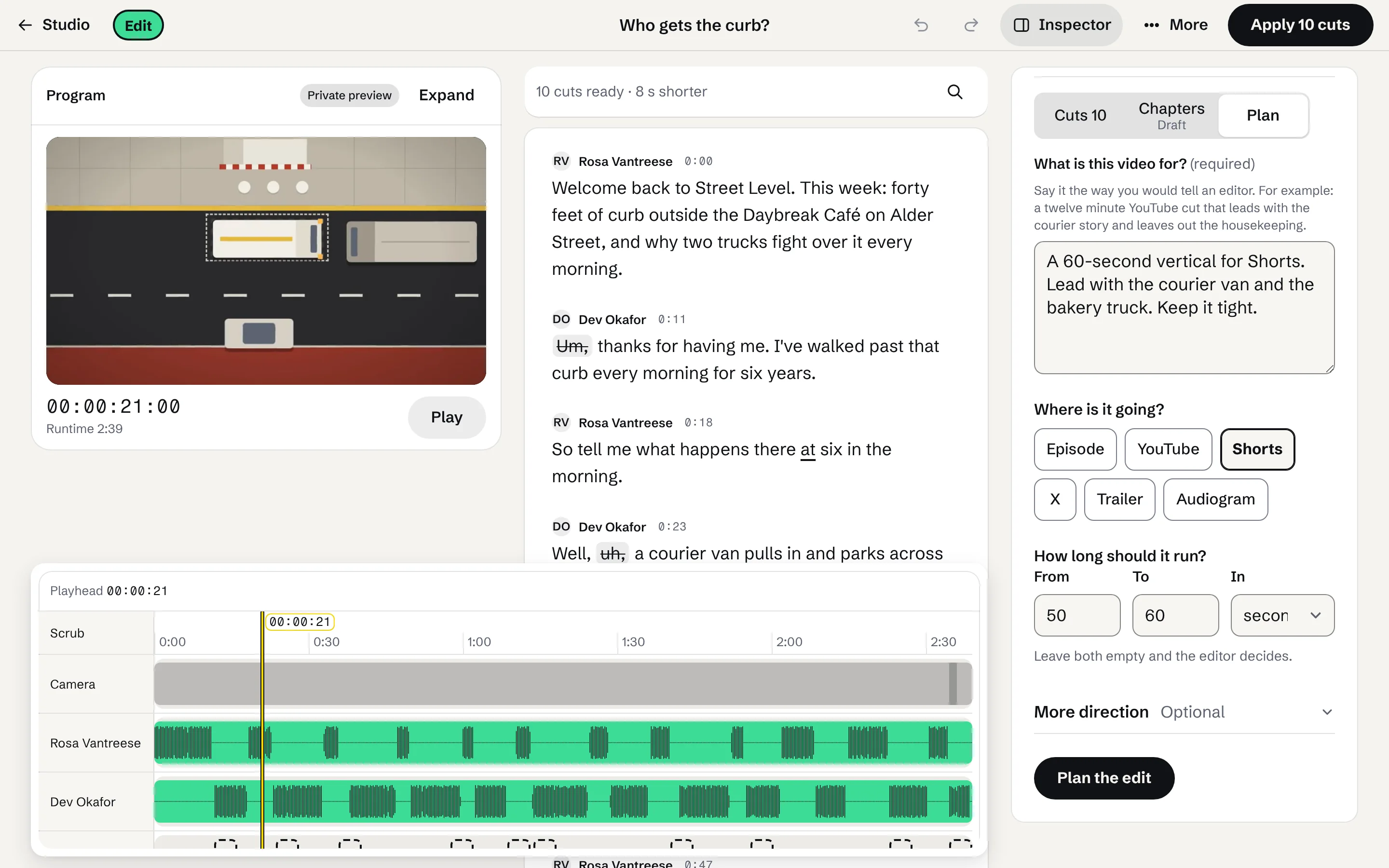
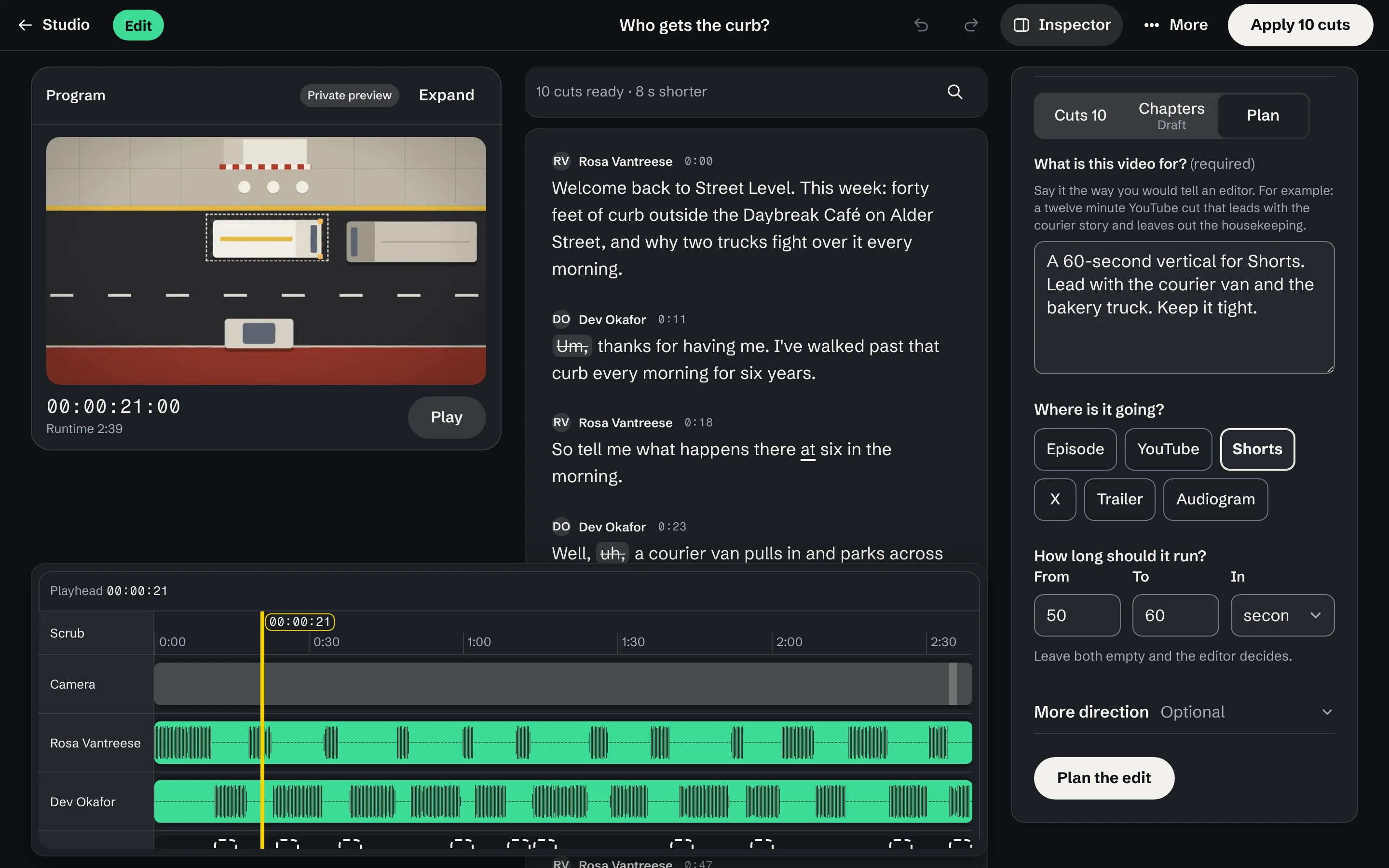
Say what the video is for and where it's going. 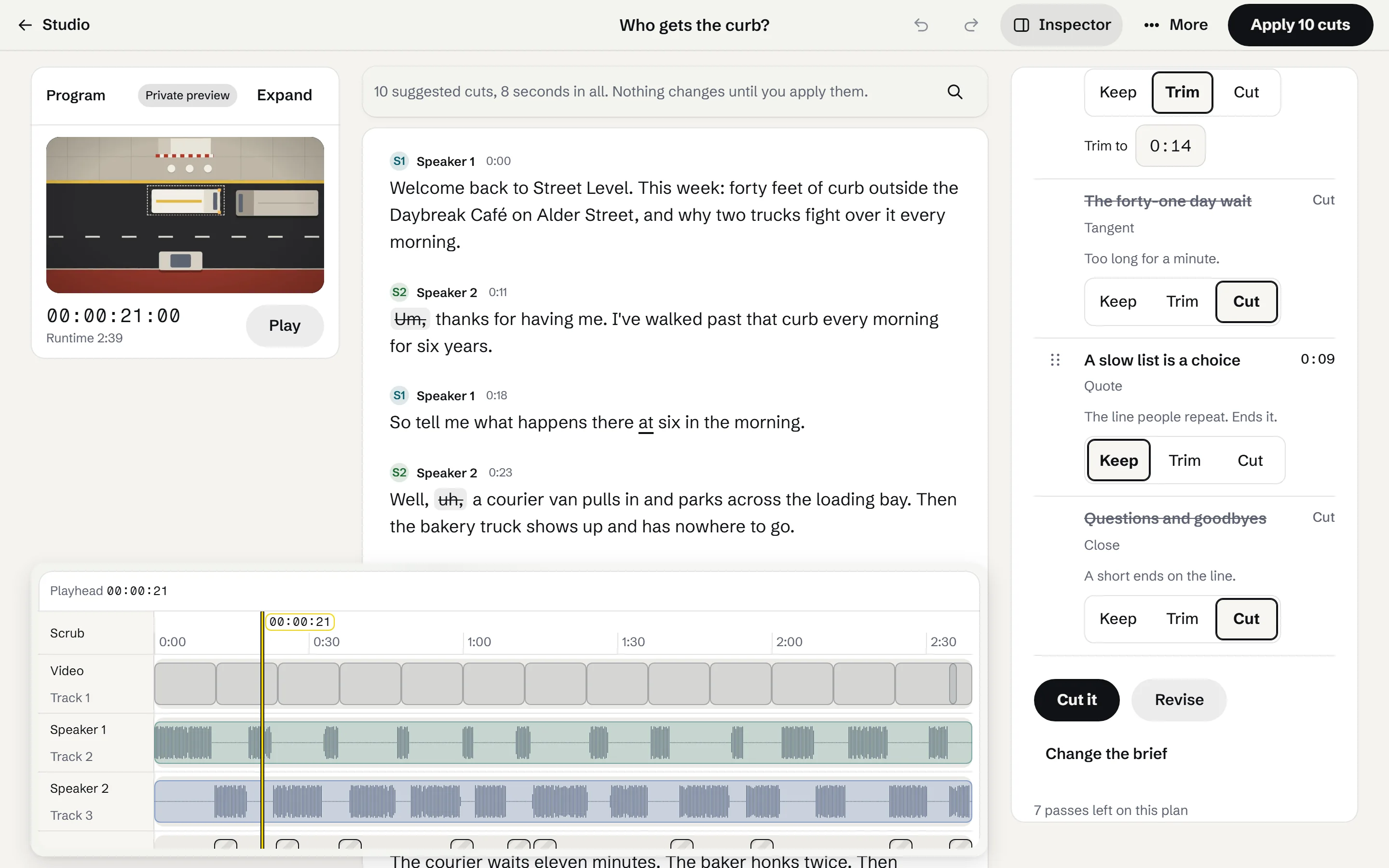
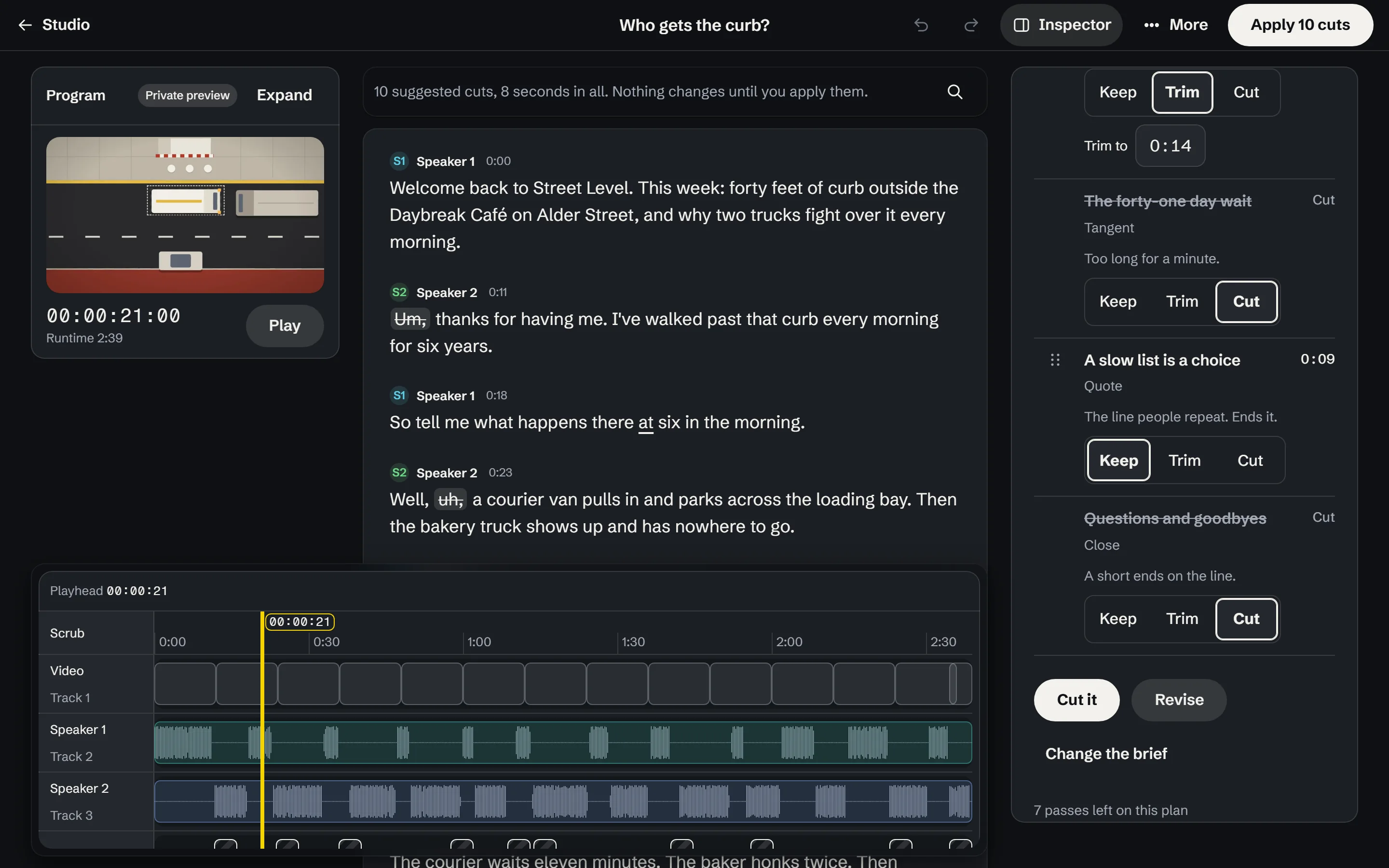
Each part of the plan waits for an editor to keep, trim or cut it. 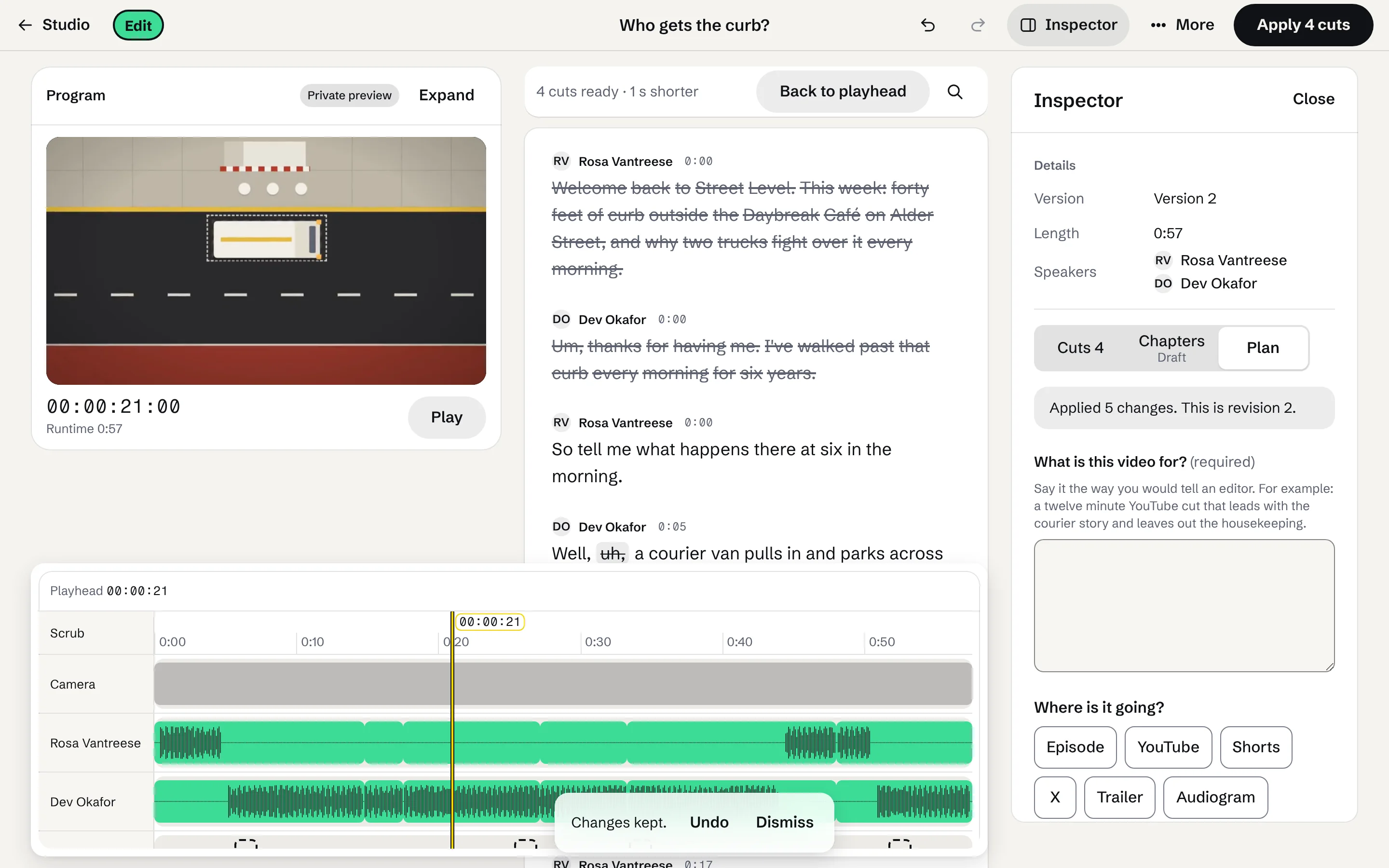
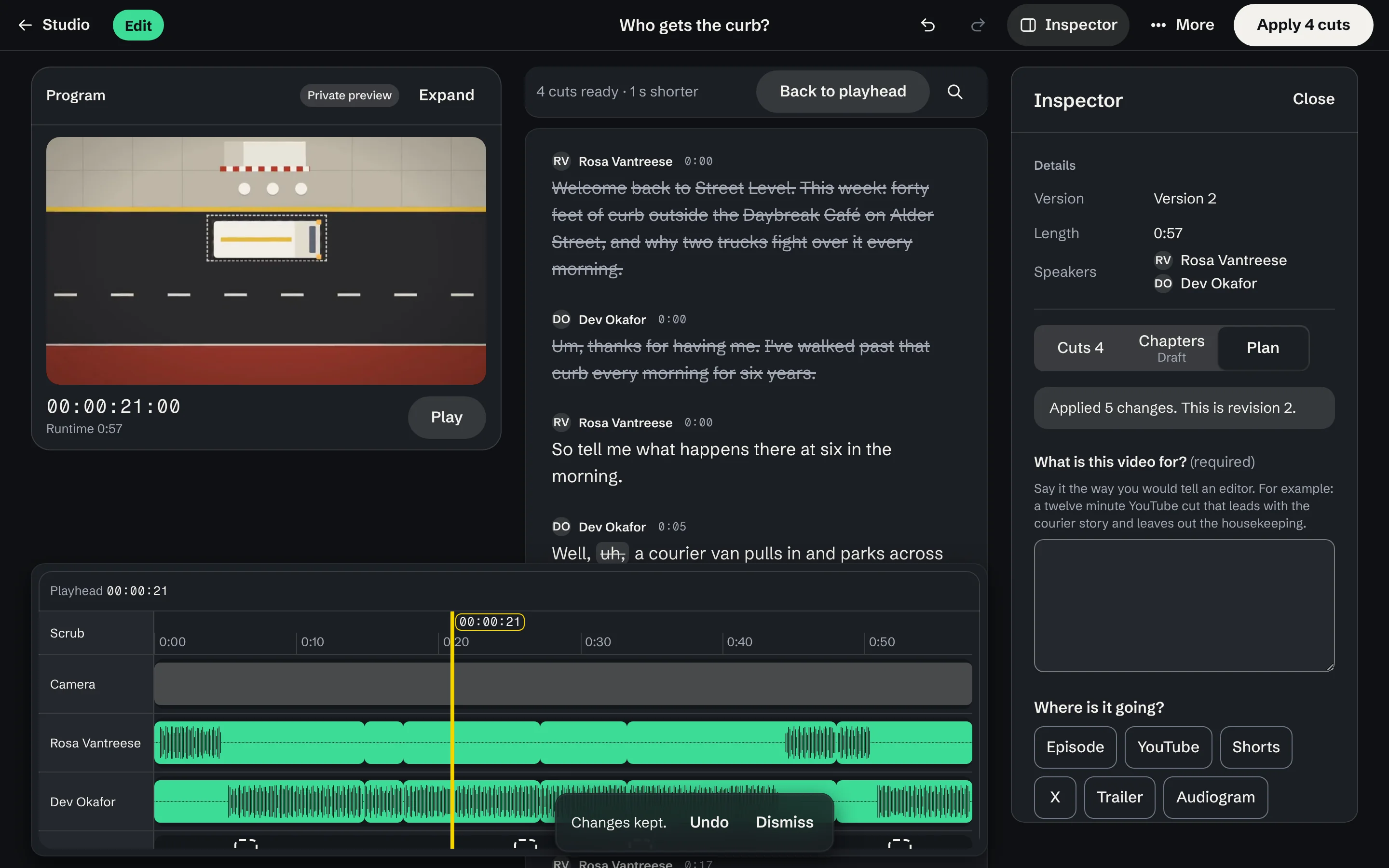
Apply keeps the changes as a new revision, and Undo takes them back. 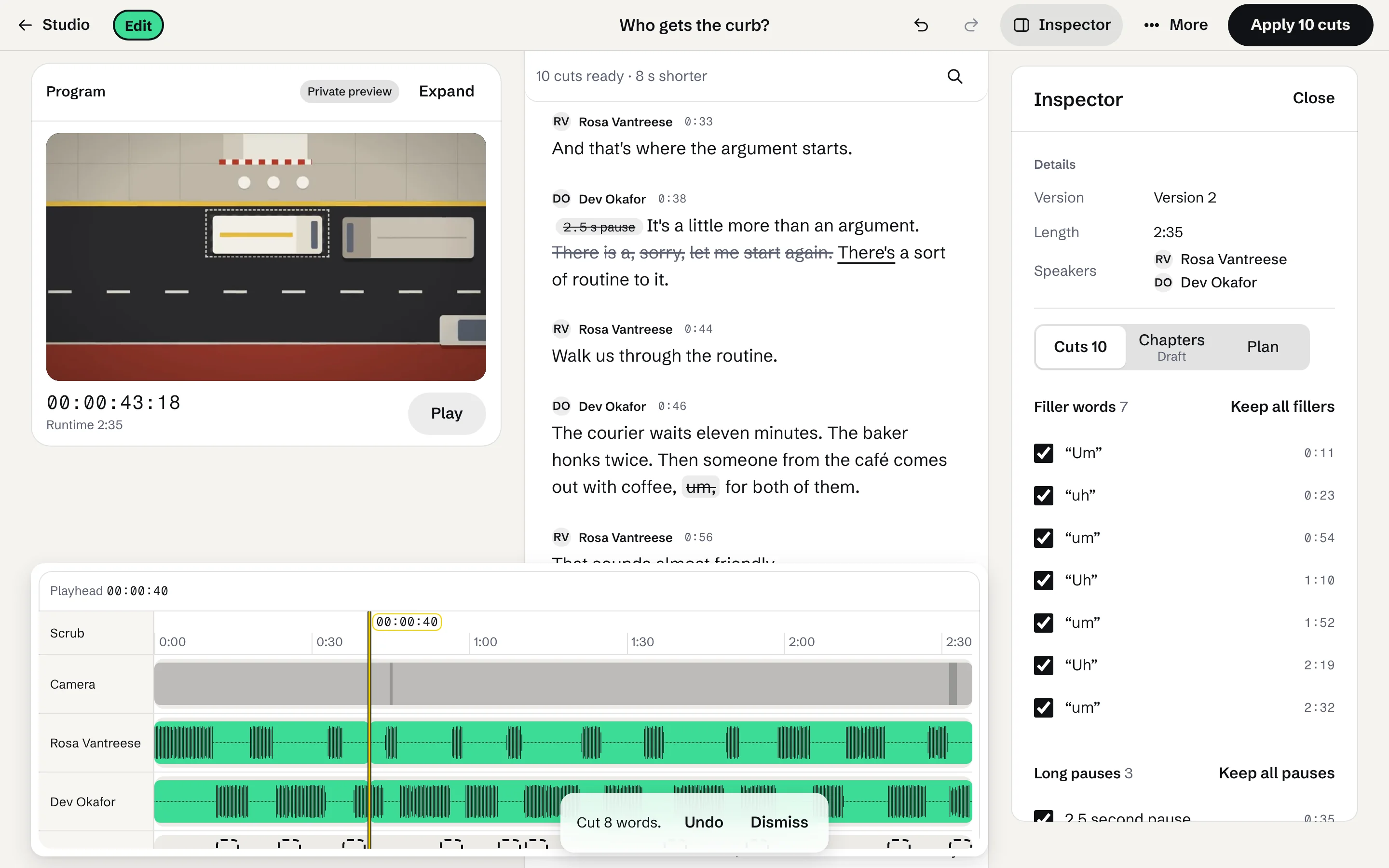
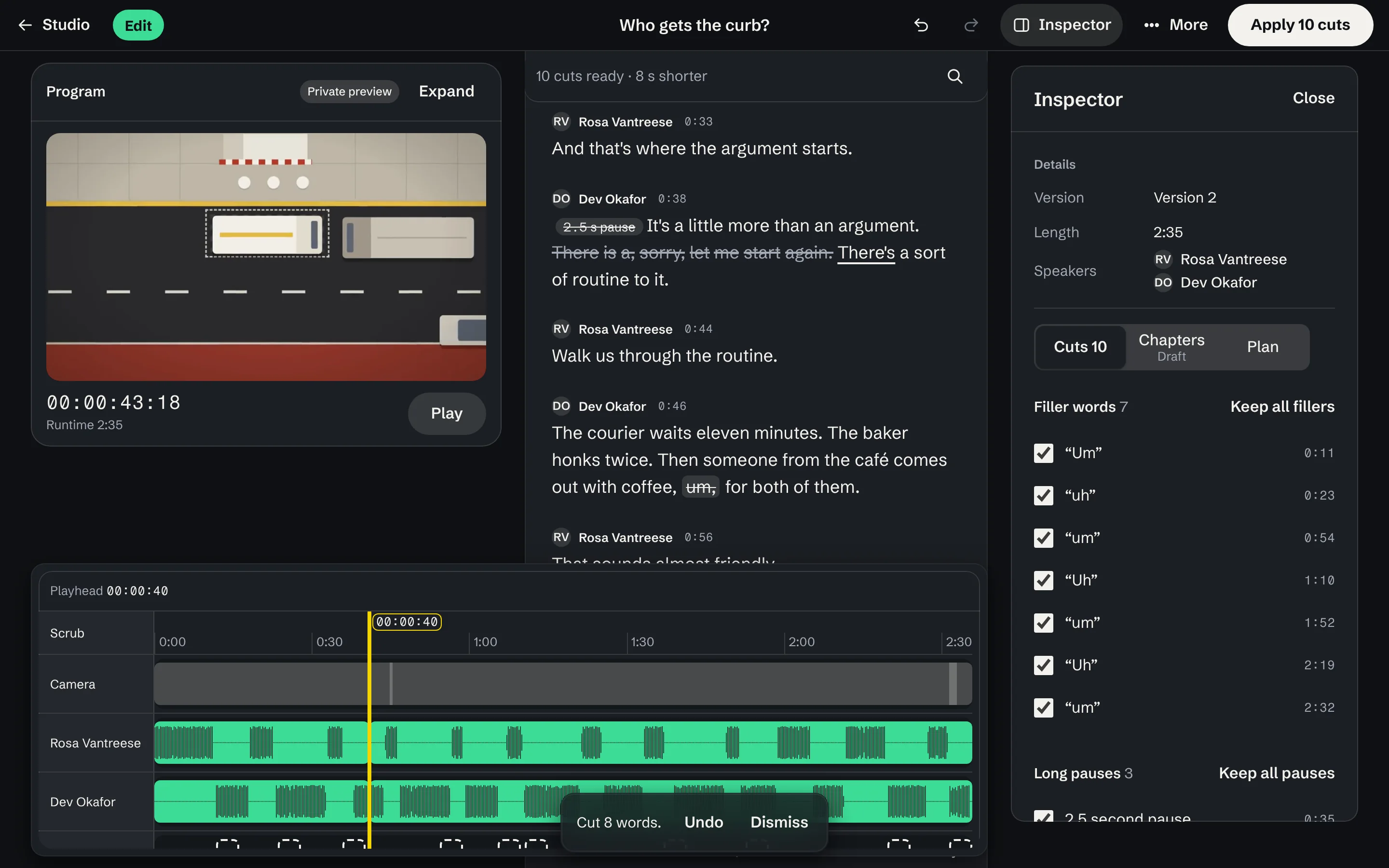
Or cut by hand: strike the false start where it was said.
Screens of the Studio editor, with sample data from Street Level, a fictional show.
Approvals
Four rules hold for every send, post and upload.
- Nothing is sent or posted without an approvalSomeone on the team approves that exact version for that destination, or a rule your team wrote and can stop covers it.
- Editing voids the approvalChange a version after it is approved and it needs approving again.
- Nothing sends on its ownResearch, drafts and preparation never send or post anything by themselves.
- Check uncertain sends before trying againIf a platform doesn't confirm a post, check its status before sending another copy.
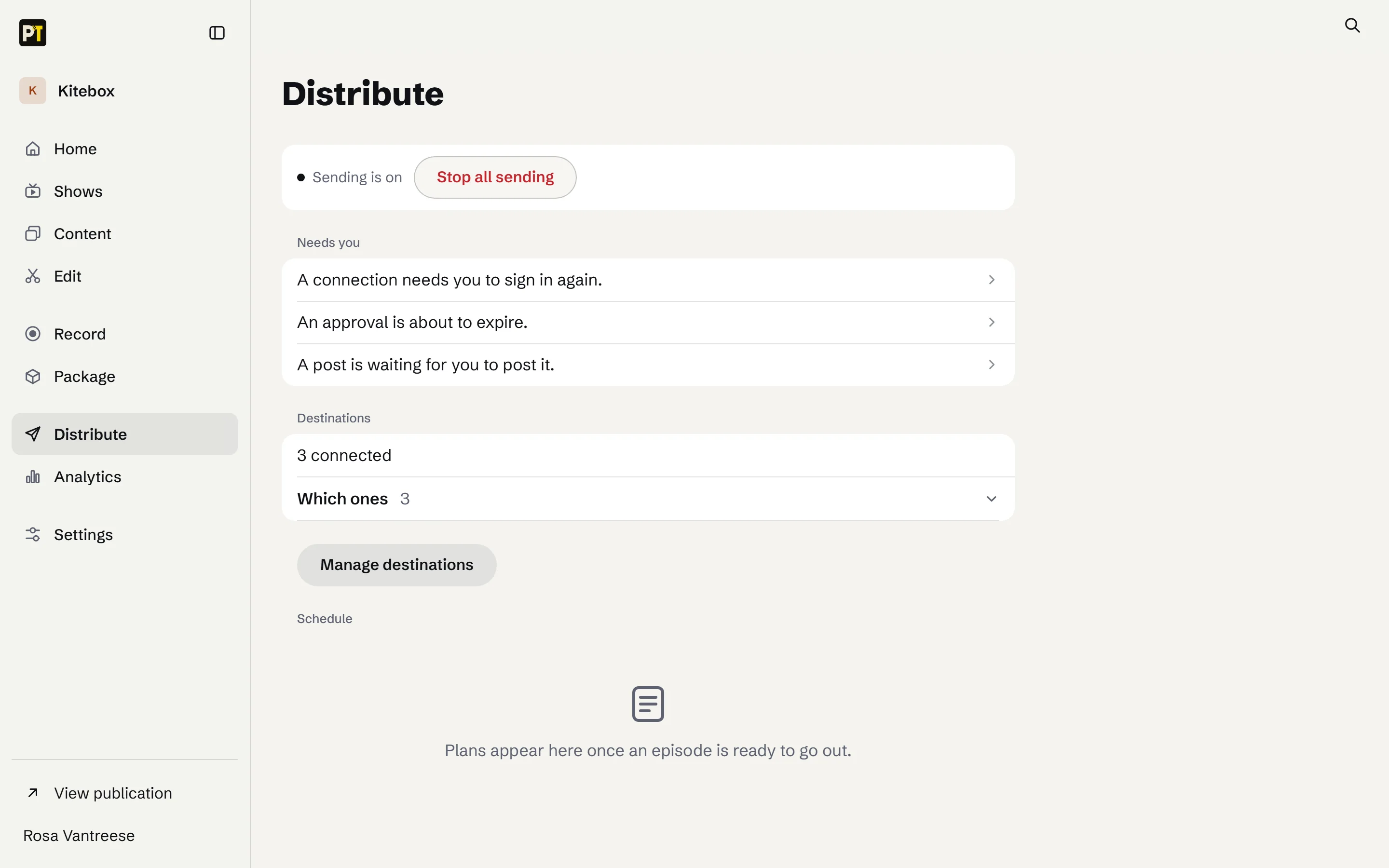
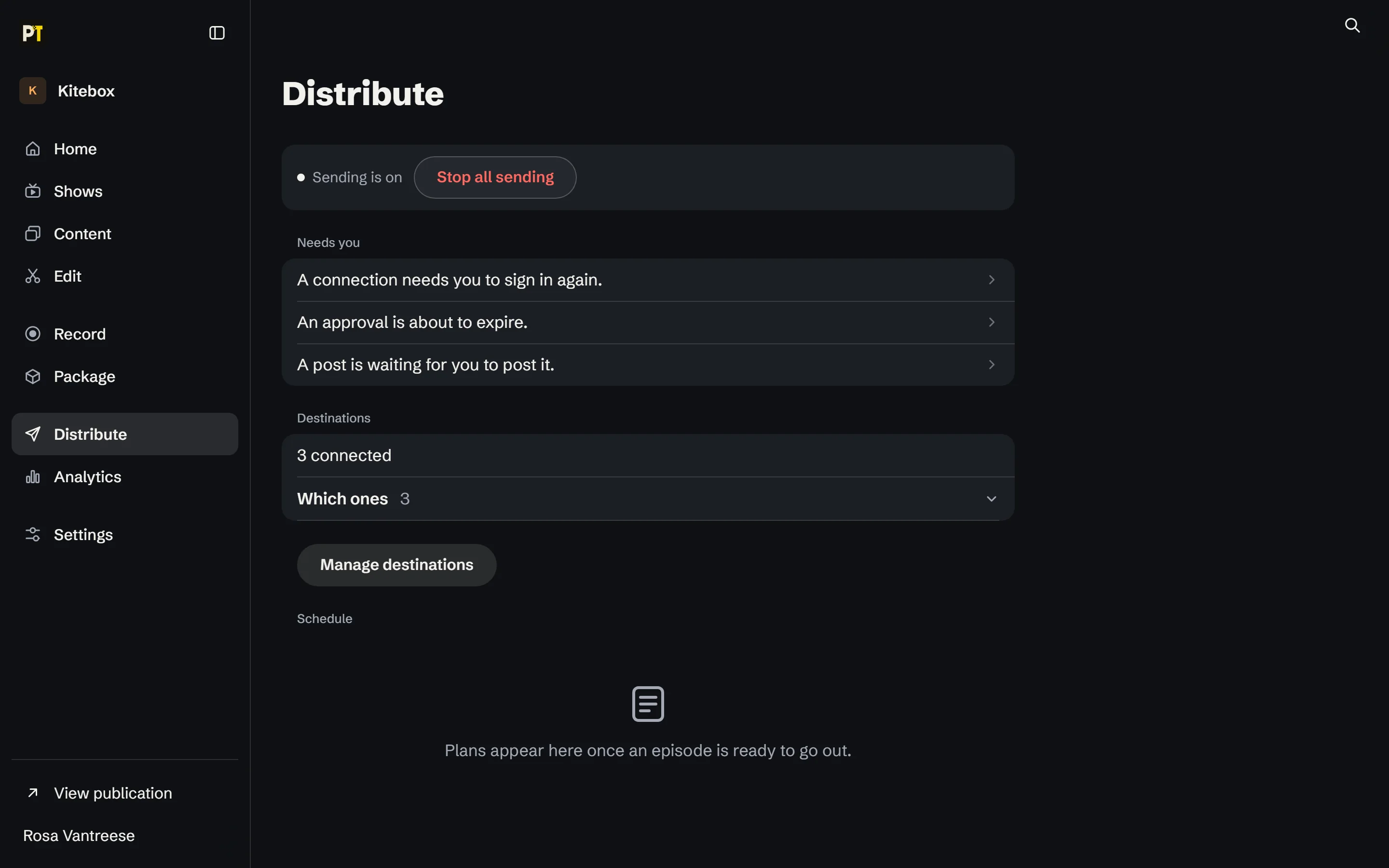
Start with one show.
Sign up, make your first show and bring your team in.